
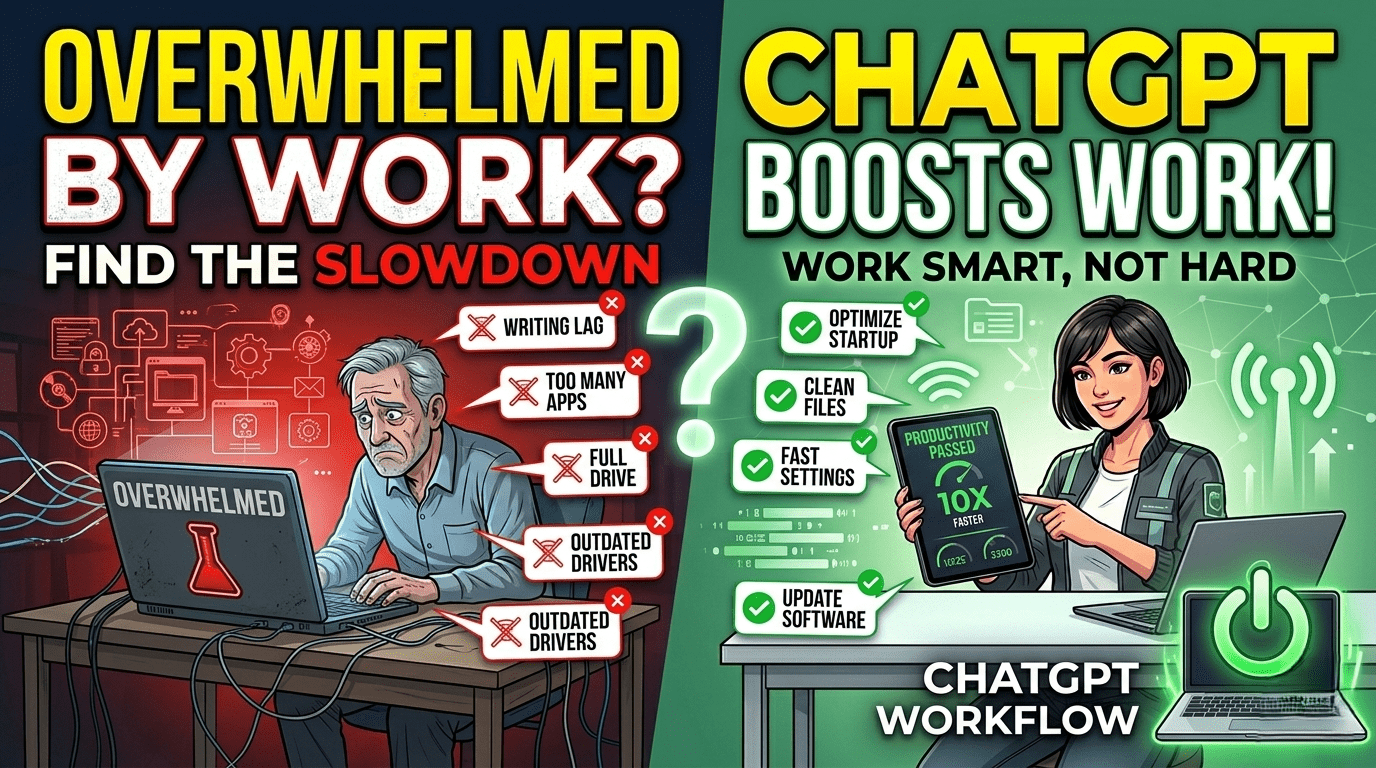
In today’s fast-paced digital world, productivity is everything. Whether you are a student, freelancer, content creator, or working professional, managing time and tasks efficiently is a constant challenge. Artificial Intelligence tools like ChatGPT have changed the way people work by helping them complete tasks faster and smarter.
ChatGPT can act like a personal assistant that helps you write, plan, learn, and solve problems in seconds. The key is knowing how to use it correctly to increase productivity instead of wasting time.
1. Use ChatGPT for Fast Content Writing
One of the biggest productivity boosts comes from writing assistance.
You can use it for:
- Blog writing
- Email drafting
- Essay writing
- Social media captions
- Reports and summaries
Example:
Instead of spending hours writing a blog, you can ask ChatGPT to create an outline and then refine it.
This reduces writing time by more than 50%.
2. Generate Ideas Instantly
Sometimes the hardest part is starting.
ChatGPT helps with:
- Business ideas
- Content topics
- Project names
- Video scripts
- Marketing strategies
It removes creative blocks and gives you instant direction.
3. Automate Repetitive Tasks
Many daily tasks are repetitive and time-consuming.
ChatGPT can help with:
- Formatting text
- Creating templates
- Writing repeated emails
- Generating summaries
- Organizing information
This allows you to focus on important work.
4. Improve Learning and Study Efficiency
Students can use ChatGPT as a study assistant.
It helps with:
- Explaining complex topics
- Solving problems step-by-step
- Creating study notes
- Summarizing textbooks
- Preparing for exams
It acts like a personal tutor available 24/7.
5. Speed Up Research Work
Research can take hours or even days.
ChatGPT helps by:
- Summarizing long articles
- Explaining technical concepts
- Comparing information
- Organizing research notes
This makes research faster and more structured.
6. Improve Communication Skills
Clear communication improves productivity in work environments.
ChatGPT can:
- Write professional emails
- Improve grammar and tone
- Rewrite messages clearly
- Translate content
This helps you communicate more effectively and professionally.
7. Help with Coding and Technical Tasks
Developers and IT professionals can save a lot of time.
ChatGPT helps with:
- Writing code snippets
- Debugging errors
- Explaining programming concepts
- Suggesting optimizations
It reduces time spent searching for solutions online.
8. Plan Your Daily Schedule
Time management is key to productivity.
You can use ChatGPT for:
- Creating daily schedules
- Organizing tasks
- Setting priorities
- Planning study or work routines
This helps you stay focused and organized.
9. Create Marketing and Business Strategies
For entrepreneurs and freelancers, ChatGPT is a powerful business tool.
It helps with:
- Business planning
- Marketing strategies
- Social media content plans
- Product descriptions
It speeds up decision-making and planning.
10. Learn Prompting for Better Results
To maximize productivity, you must learn how to ask properly.
Good prompts include:
- Clear instructions
- Specific goals
- Context about the task
- Desired format
Better prompts = better productivity results.
Best Practices for Using ChatGPT Efficiently
1. Be Specific
Avoid vague questions.
2. Break Tasks into Steps
Ask one thing at a time.
3. Edit and Improve Output
Don’t use raw output blindly.
4. Combine AI with Human Thinking
Use ChatGPT as support, not replacement.
Benefits of Using ChatGPT for Productivity
- Saves time
- Reduces workload
- Improves efficiency
- Boosts creativity
- Enhances learning