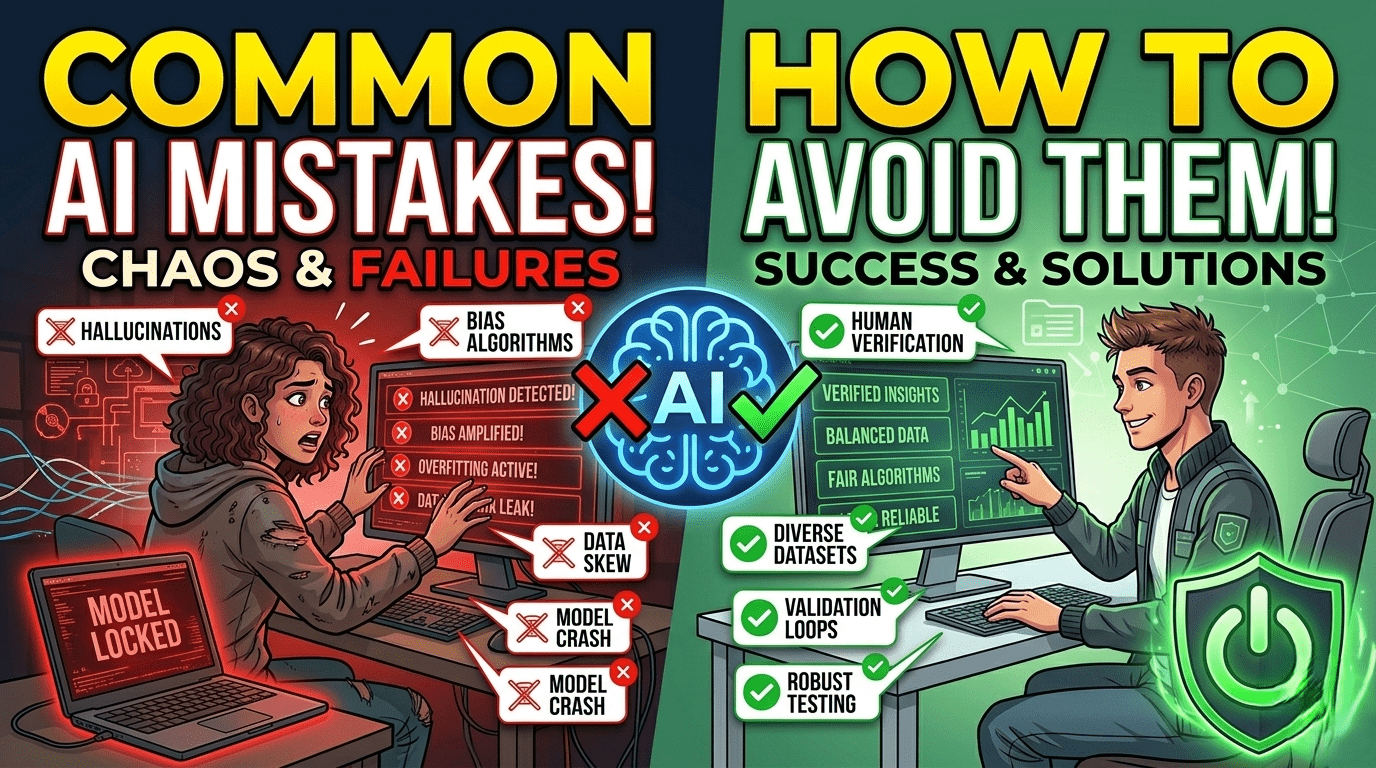
Artificial Intelligence has become a powerful tool for students, professionals, and businesses. It helps with writing, coding, research, design, and automation. However, many users make mistakes when using AI, which can lead to incorrect results, poor decisions, or wasted effort.
Understanding these common AI mistakes and how to avoid them can help you use AI more effectively, safely, and responsibly.
1. Trusting AI Output Without Verification
One of the biggest mistakes is assuming AI is always correct.
Problem:
AI can sometimes generate incorrect, outdated, or misleading information.
How to Avoid It:
- Always verify facts from trusted sources
- Cross-check important information
- Use AI as a helper, not a final authority
Critical thinking is still essential.
2. Using Poor or Unclear Prompts
AI results depend heavily on how you ask questions.
Problem:
Vague prompts produce weak or irrelevant answers.
How to Avoid It:
- Be specific and clear
- Provide context and requirements
- Break complex tasks into steps
Good prompts = better results.
3. Relying Too Much on AI for Decision-Making
Some users depend entirely on AI for decisions.
Problem:
AI does not understand real-world consequences or emotions.
How to Avoid It:
- Use AI suggestions as guidance only
- Combine AI output with human judgment
- Review decisions carefully before acting
Human input is still necessary.
4. Ignoring Data Privacy Risks
Many users unknowingly share sensitive data with AI tools.
Problem:
Personal or confidential information may be exposed or stored.
How to Avoid It:
- Avoid entering passwords or private data
- Read privacy policies of AI tools
- Use trusted platforms only
Protect your digital identity.
5. Using AI Without Understanding the Topic
Some users copy AI-generated content without learning it.
Problem:
This leads to lack of real knowledge and skill development.
How to Avoid It:
- Learn the basics before using AI help
- Understand AI-generated answers
- Use AI as a learning assistant
AI should support learning, not replace it.
6. Overusing AI for Simple Tasks
AI is powerful, but not always necessary.
Problem:
Using AI for every small task can reduce efficiency.
How to Avoid It:
- Use AI only when needed
- Handle simple tasks manually
- Balance automation and human effort
Smart usage saves time and resources.
7. Ignoring AI Bias and Limitations
AI systems can sometimes reflect bias or incomplete data.
Problem:
This may lead to unfair or inaccurate outputs.
How to Avoid It:
- Be aware of AI limitations
- Check multiple perspectives
- Avoid sensitive decision-making based only on AI
Awareness improves reliability.
8. Not Learning Prompt Engineering
Many users don’t know how to communicate effectively with AI.
Problem:
Poor interaction leads to weak results.
How to Avoid It:
- Learn basic prompt writing skills
- Experiment with different inputs
- Refine prompts based on output
Better prompts improve AI performance.
9. Using AI for Plagiarism or Academic Dishonesty
Some users misuse AI for copying content.
Problem:
This can lead to academic or professional penalties.
How to Avoid It:
- Use AI for ideas and guidance only
- Rewrite content in your own words
- Follow ethical guidelines
Integrity is important in all fields.
10. Ignoring Regular Updates and Improvements
AI tools constantly evolve and improve.
Problem:
Using outdated methods reduces effectiveness.
How to Avoid It:
- Stay updated with new features
- Explore tool documentation
- Learn from updates and tutorials
Continuous learning improves results.
Benefits of Using AI Correctly
When used properly, AI offers many advantages:
- Faster productivity
- Better creativity
- Improved learning
- Efficient problem-solving
- Automation of repetitive tasks
Correct usage maximizes these benefits.