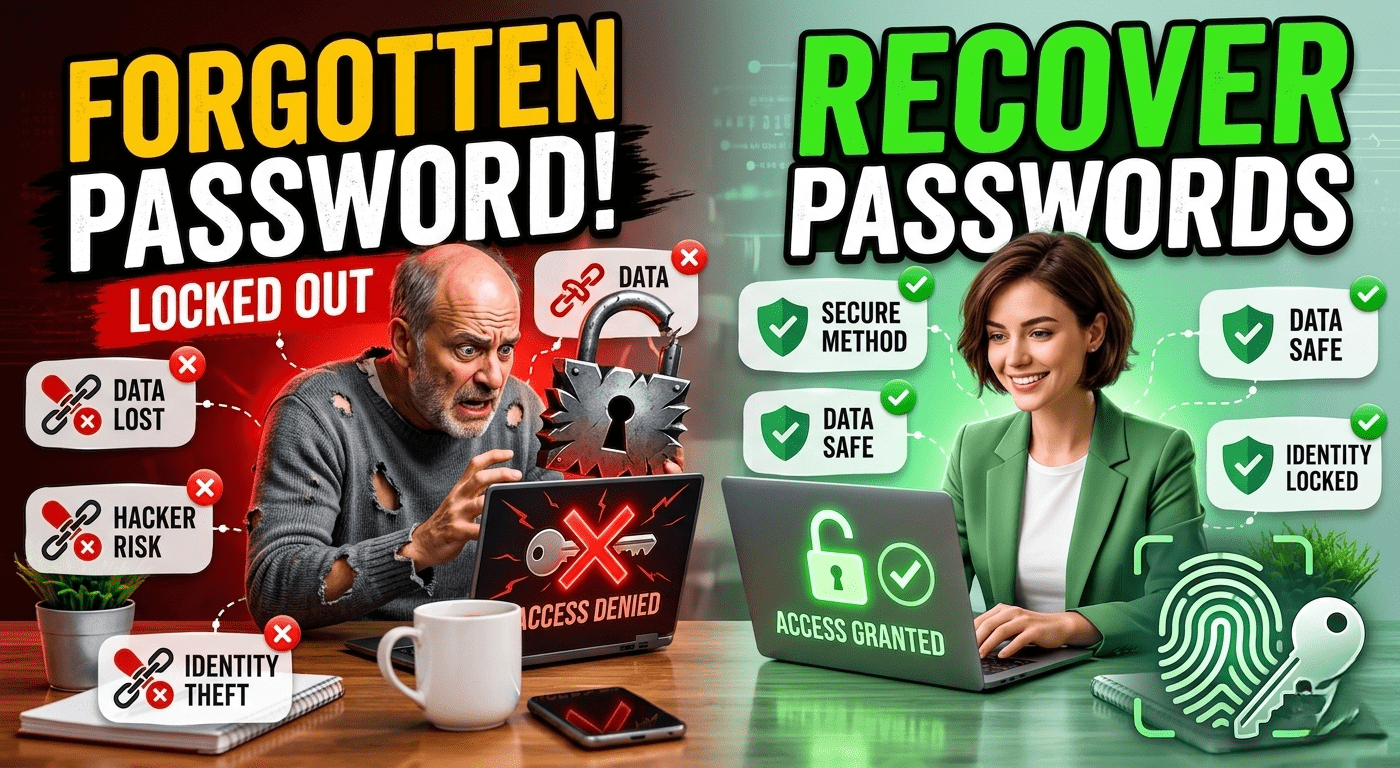
Forgetting a password is a common problem in today’s digital world. With dozens of online accounts for email, social media, banking, shopping, and work, it’s easy to lose track of login credentials. While recovering a forgotten password is usually straightforward, it is important to do it safely to protect your personal information from cybercriminals.
This guide explains the safest ways to recover forgotten passwords while keeping your accounts secure.
Why Password Recovery Security Matters
When you forget a password, you may be tempted to use quick solutions or third-party tools. However, unsafe recovery methods can expose your account to hackers, malware, or identity theft.
Safe password recovery ensures:
- Protection of personal data
- Prevention of unauthorized access
- Secure account restoration
- Reduced risk of cyberattacks
Always use official recovery options provided by the service you are trying to access.
1. Use the Official “Forgot Password” Option
Most websites and applications provide a password recovery feature.
Steps:
- Visit the official login page.
- Click Forgot Password or Reset Password.
- Enter your registered email address or phone number.
- Follow the instructions sent to you.
This is the safest and most reliable recovery method.
2. Check Your Recovery Email
Many online services send password reset links to your registered recovery email address.
Tips:
- Check your inbox carefully.
- Look in Spam or Junk folders.
- Ensure the email comes from the official service.
Never click reset links from suspicious emails claiming to be password recovery messages.
3. Use Your Recovery Phone Number
Many accounts allow password recovery through SMS verification.
How It Works:
- A verification code is sent to your phone.
- Enter the code on the recovery page.
- Create a new secure password.
This method adds an extra layer of security.
4. Verify Your Identity
Some services require identity verification before allowing password resets.
Examples:
- Security questions
- Backup codes
- Identity verification forms
- Government-issued identification (for certain accounts)
Providing accurate information helps prove account ownership.
5. Recover Passwords Saved in Browsers
Modern browsers often save passwords securely.
Popular Browsers:
- Google Chrome
- Microsoft Edge
- Mozilla Firefox
- Safari
You can view saved passwords through browser settings after confirming your device credentials.
Always protect your device with a strong password or biometric authentication.
6. Use a Password Manager
Password managers securely store login credentials and help recover forgotten passwords.
Benefits:
- Encrypted password storage
- Strong password generation
- Easy account access
- Reduced password reuse
Popular password managers include:
- Bitwarden
- 1Password
- Dashlane
- LastPass
Using a password manager reduces the likelihood of forgetting passwords in the future.
7. Beware of Phishing Scams
Cybercriminals often exploit password recovery situations.
Warning Signs:
- Unexpected password reset emails
- Requests for passwords via email
- Suspicious links
- Urgent security warnings
Always verify that password recovery communications come from the official website.
Never share passwords, recovery codes, or verification links with anyone.
8. Create a Strong New Password
After recovering your account, create a secure password.
Best Practices:
- Use at least 12 characters
- Include uppercase and lowercase letters
- Add numbers and symbols
- Avoid personal information
- Use a unique password for every account
Strong passwords help prevent future account compromises.
9. Enable Two-Factor Authentication (2FA)
Two-factor authentication provides additional security.
Benefits:
- Protects accounts even if passwords are stolen
- Requires a second verification step
- Reduces hacking risks significantly
Enable 2FA wherever possible using:
- Authentication apps
- SMS verification
- Hardware security keys
10. Review Account Security Settings
After recovering access, review your account carefully.
Check:
- Recovery email address
- Phone number
- Connected devices
- Recent login activity
- Authorized applications
Remove any suspicious devices or unauthorized access immediately.
What to Do If Recovery Fails
If standard recovery methods do not work:
Contact Official Support
Provide:
- Account details
- Identity verification information
- Proof of ownership if required
Most major platforms have dedicated account recovery teams that can assist with difficult cases.
How to Avoid Forgetting Passwords Again
Prevent future issues with these habits:
- Use a password manager
- Enable biometric authentication
- Store backup recovery codes securely
- Keep recovery email addresses updated
- Review account security regularly
Good password management reduces both inconvenience and security risks.