

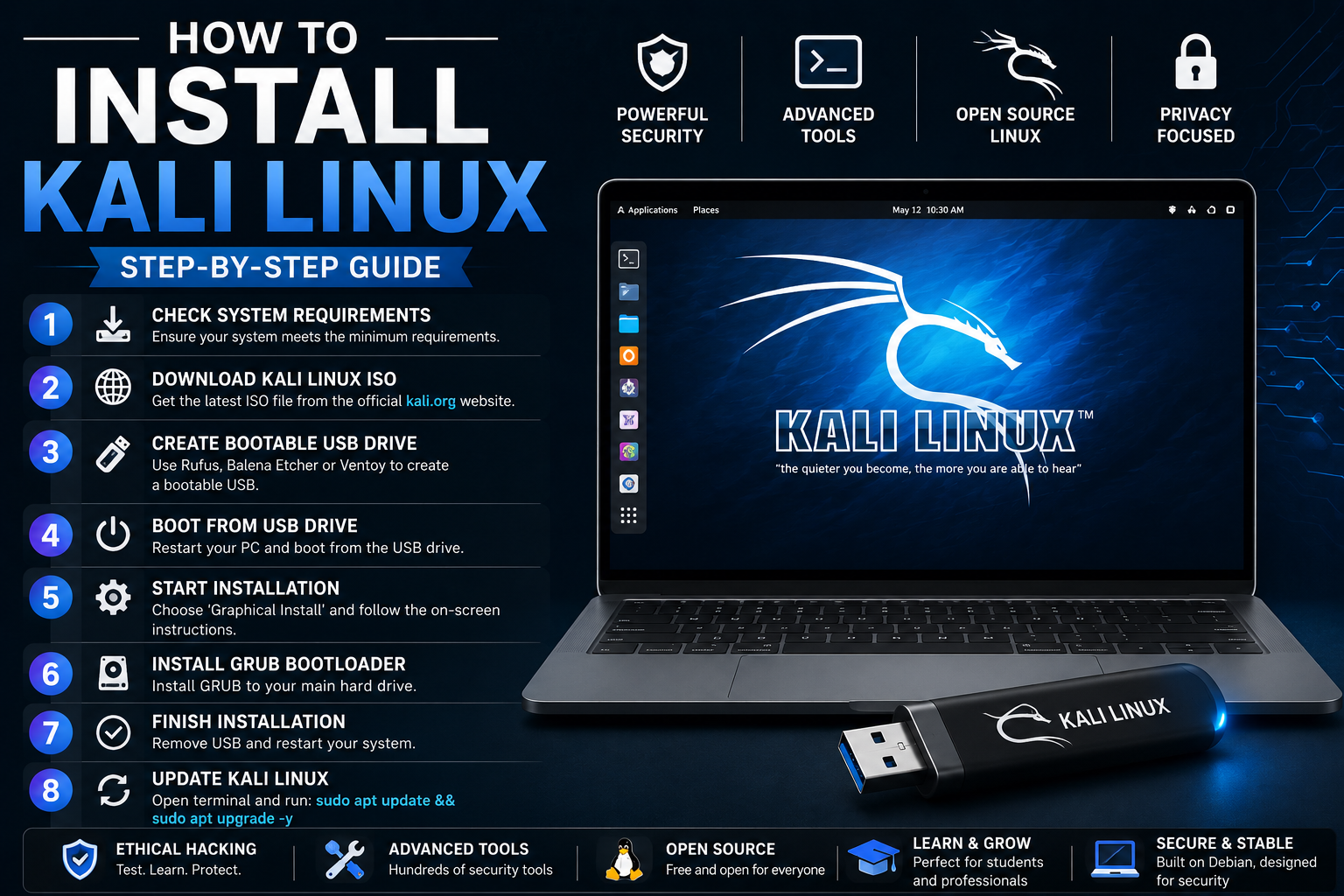
Installing Kali Linux is a great choice for users interested in cybersecurity, ethical hacking, and advanced Linux tools. This guide will help you install Kali Linux easily on your computer.
Check System Requirements
Before installing Kali Linux, make sure your PC meets these requirements:
- 2 GB RAM minimum
- 20 GB free disk space
- 64-bit processor
- USB drive with at least 8 GB storage
- Internet connection
A better system configuration will improve overall performance.
Download Kali Linux ISO File
First, download the official Kali Linux ISO image.
Steps:
- Visit the official Kali Linux Website
- Go to the Downloads section.
- Choose the latest Kali Linux installer.
- Download the 64-bit ISO file.
Create a Bootable USB Drive
To install Kali Linux, create a bootable USB drive using software like:
- Rufus
- Balena Etcher
- Ventoy
Steps:
- Insert your USB drive.
- Open the bootable USB software.
- Select the Kali Linux ISO file.
- Start the process and wait until it finishes.
Boot From USB Drive
- Restart your computer.
- Open the Boot Menu using keys like F12, ESC, or DEL.
- Select the USB drive from the boot options.
The Kali Linux installation menu will appear.
Start Kali Linux Installation
Choose Graphical Install for an easy setup process.
Follow These Steps:
- Select your language.
- Choose your location and keyboard layout.
- Set the hostname and username.
- Create a strong password.
- Select the disk for installation.
- Choose Guided – Use Entire Disk for beginners.
- Confirm disk partition settings.
- Start the installation process.
The installer will copy files and configure the system automatically.
Install GRUB Bootloader
During setup:
- Choose Yes to install the GRUB bootloader.
- Select your main hard drive.
This allows Kali Linux to boot properly after installation.
Finish Installation
Once installation is complete:
- Remove the USB drive.
- Restart your computer.
Kali Linux will now boot directly from your hard drive.
Update Kali Linux
After installation, update your system using the terminal:
sudo apt update && sudo apt upgrade -yThis installs the latest security patches and software updates.
Final Thoughts
Installing Kali Linux is simple when you carefully follow each step. With a bootable USB drive and the official ISO file, you can quickly set up a powerful Linux operating system for learning cybersecurity and ethical hacking.